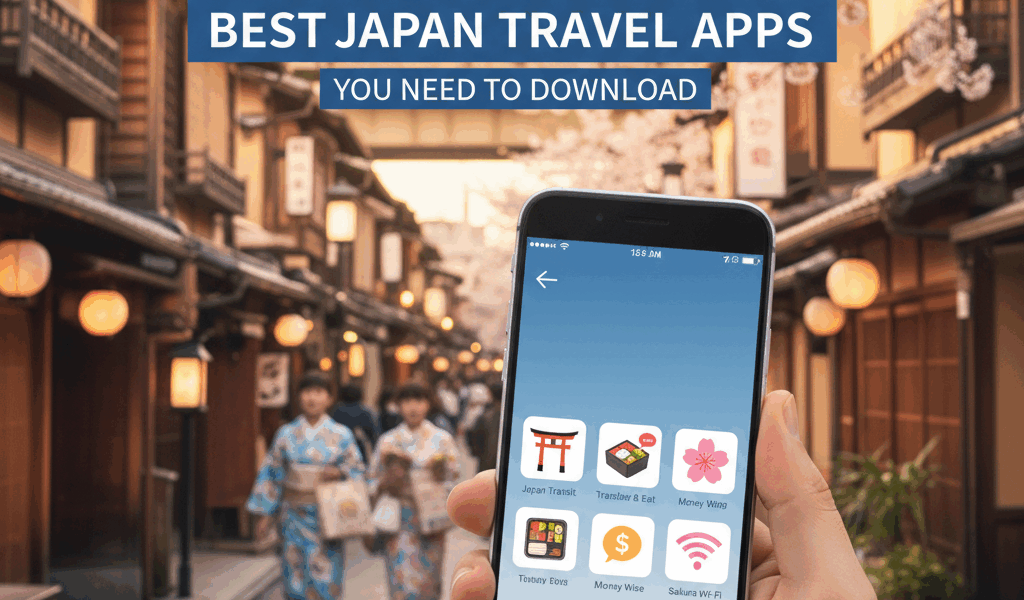
Your phone is probably the most useful thing you’ll pack for Japan. Between navigation, translation, and finding places to eat, you’ll use it constantly. Here are the apps that actually help.
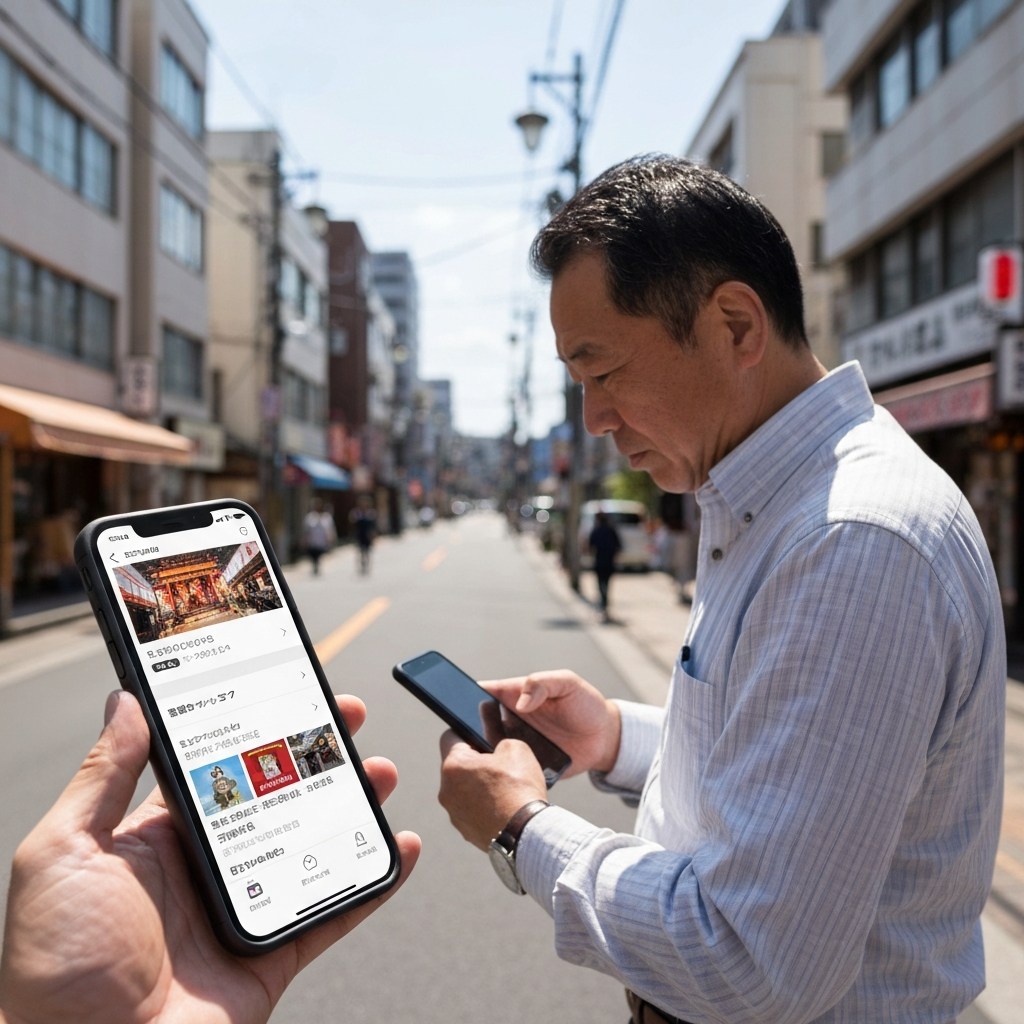
Google Maps (Yes, Really)
Google Maps works in Japan, and it’s genuinely good. Train schedules are integrated, walking directions are accurate, and it handles the Tokyo subway system without making your head explode. Download the offline maps for your destinations before you leave—data can be spotty underground.
One catch: Google Maps sometimes suggests walking routes that technically work but involve climbing sketchy stairs or cutting through private property. If a path looks weird, trust your gut and find another way.
Japan Transit Apps
For train-heavy itineraries, dedicated transit apps like Navitime or Japan Travel by NAVITIME give you more detail than Google Maps. They show platform numbers, transfer timing (“you have 3 minutes to change trains”), and which car to board for the quickest exit at your destination.
The Suica or Pasmo app lets you add a transit card to your phone’s wallet. Tap to pay for trains and convenience store purchases. Way easier than dealing with the ticket machines every time, and you don’t need to preload a physical card.
Translation: Google Translate Still Wins
Download the Japanese language pack for offline use. The camera translation feature is borderline magic for reading menus and signs—point your phone at Japanese text and it overlays the English translation in real time.
It’s not perfect. Complex sentences come out garbled, and handwritten text trips it up. But for figuring out what’s in a dish or understanding train station signs, it works well enough.
Restaurant Finding
Tabelog is Japan’s version of Yelp, and it’s where locals actually find restaurants. The interface is clunky if you don’t read Japanese, but you can filter by area and cuisine type. Ratings above 3.5 are considered good—the scale is harsher than what we’re used to.
Google Maps works fine for restaurant discovery too, especially in tourist areas. The reviews tend to come from other travelers, so the English is better but the recommendations skew toward foreigner-friendly spots.
Pocket Wi-Fi or SIM?
You’ll want data. Japan’s public Wi-Fi is unreliable, and you’ll be pulling up apps constantly. Pocket Wi-Fi rentals are cheap, and you pick them up at the airport. SIM cards work too if your phone is unlocked—IIJmio and Sakura Mobile are popular options.
I prefer pocket Wi-Fi because you can share it with travel partners and don’t have to mess with SIM settings. Either way, arrange it before you land. The airport kiosks have long lines.
The Essentials List
Google Maps (with offline maps downloaded), Google Translate (with Japanese offline), a transit card in your phone’s wallet, and Tabelog if you’re serious about food. That covers 90% of what you’ll need. Everything else is optional.




Stay in the loop
Get the latest tripchimp updates delivered to your inbox.